
Organizing Services with Categories
Categories organize your services on the booking page. Common categories include Hair, Nails, Beauty, and Massage. Each category can also hold one level of subcategories, so a busy service list stays easy to browse.
Creating a Category
Open Services from the sidebar
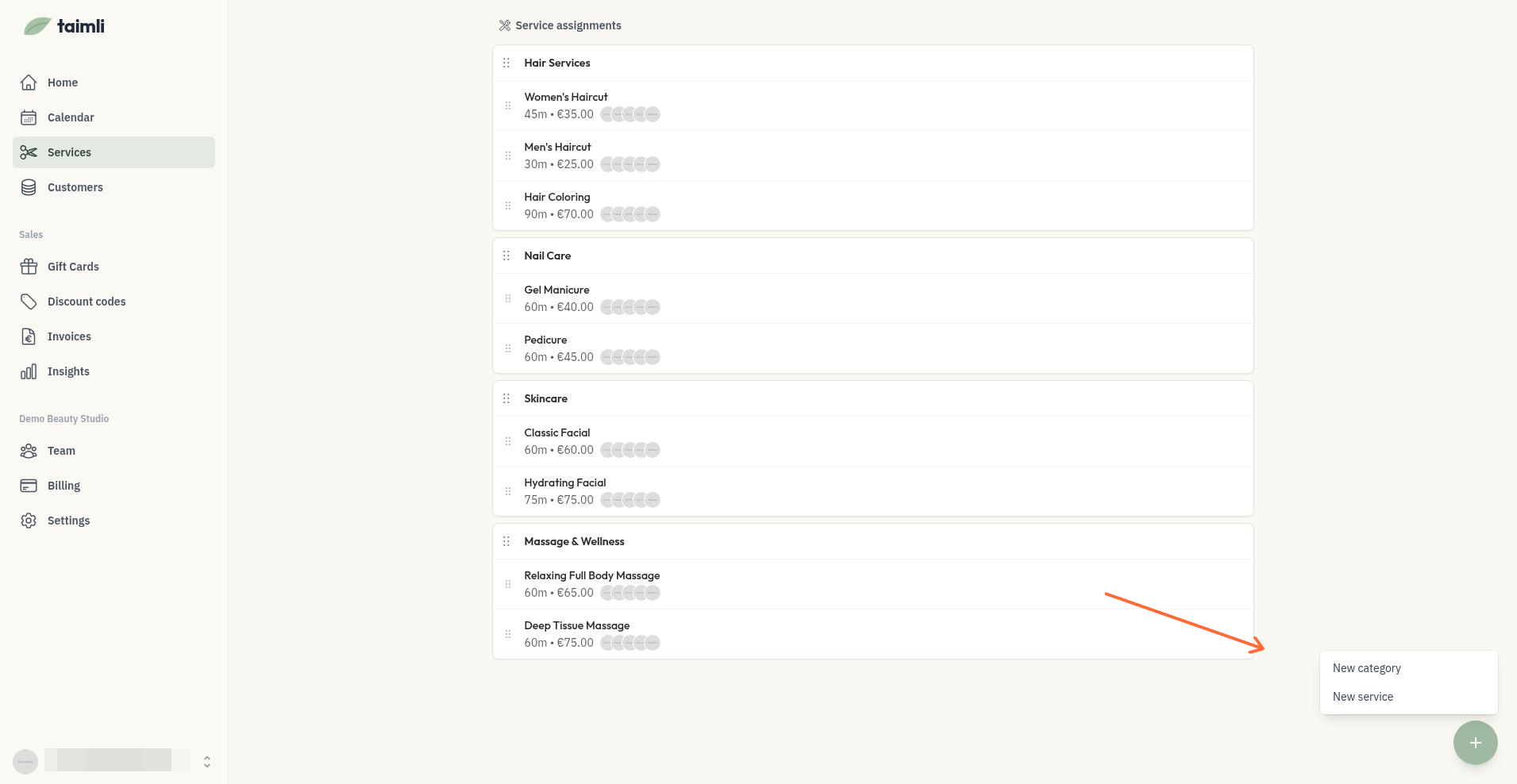
Open New category or service
Select New category
Enter a name in the Category name field
Select Save
Grouping Categories with Subcategories
A category can hold one level of subcategories, which turns it into a group. Use a group when the list of services in one category gets long and you want to split it into subcategories.
To create a group:
Open Services from the sidebar
Create a category to use as the group with New category or service > New category, or use a category you already have
Add subcategories under that category to build the group. A group holds subcategories at one level only: a subcategory cannot contain further subcategories.
Add services to the group itself or to one of its subcategories by dragging them into place.
Reordering Categories and Services
Drag and drop categories and services to reorder them. The order you set is how customers see them on your booking page.
To reorder:
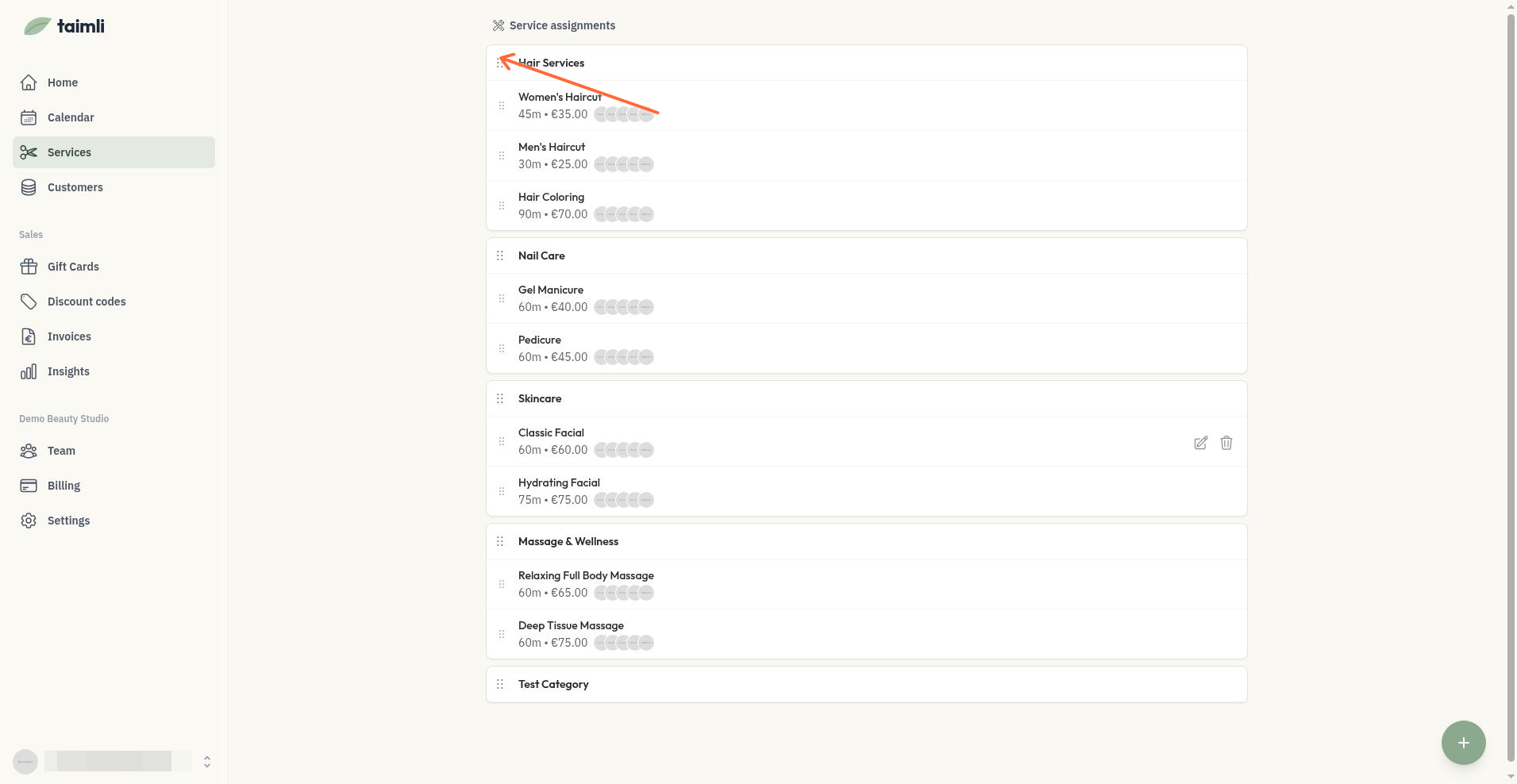
Categories: Click and drag the three-dot handle next to the category name
Groups: Drag a category between the main list and a group to move it into the group or back out to the main list
Services: Click and drag a service within its category
Moving Services Between Categories
You can move services between categories in two ways:
Drag and drop: Drag a service from one category to another on the Services page
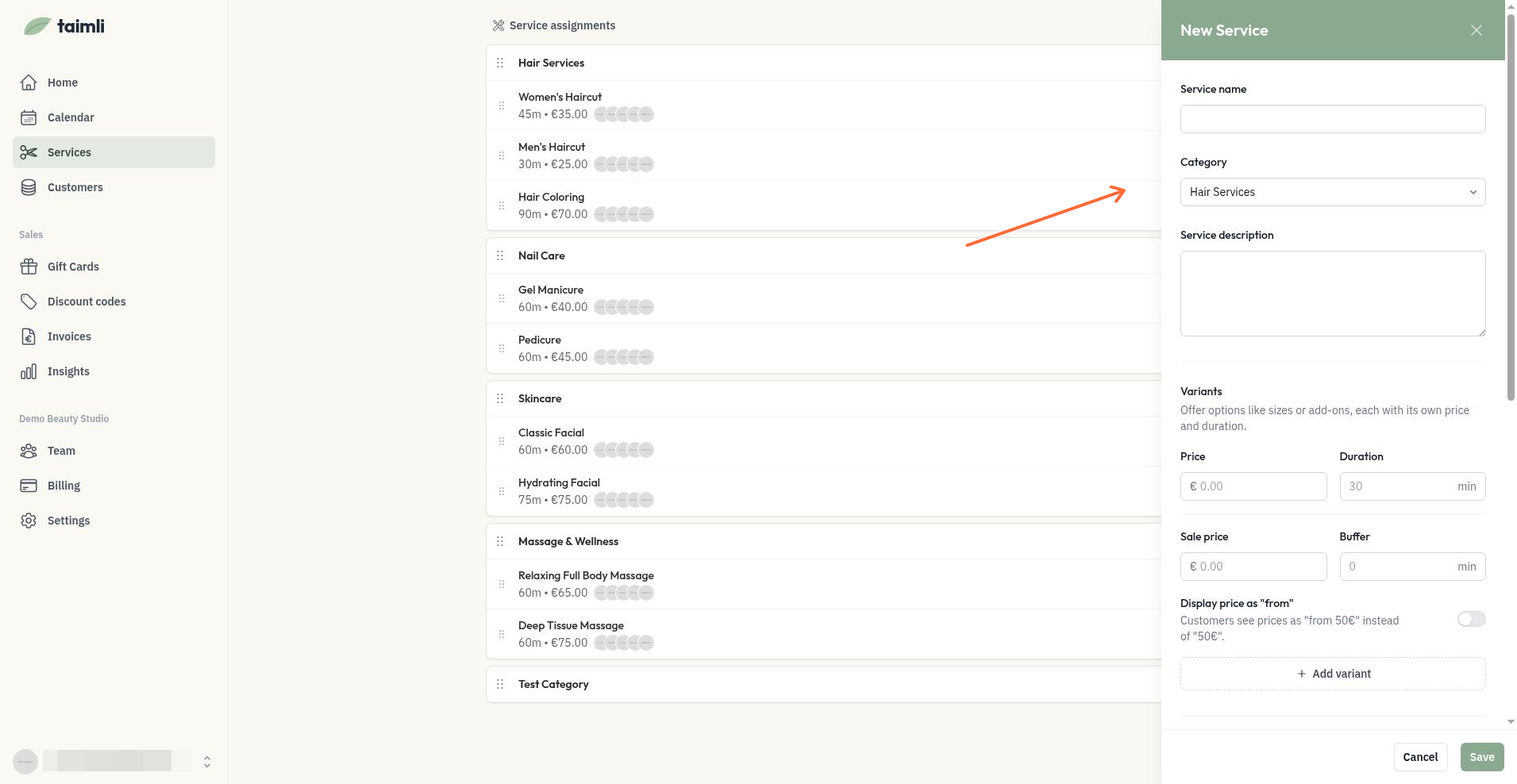
Choose a category when creating: The New Service form has a Category selector that sets the initial category. It is only available when creating a service, not when editing one, so moving an existing service always uses drag and drop.
How Customers See Groups
Customers browse the grouped categories when they book online. To preview what they see, open your booking page and choose a service.
Deleting Categories
A category that still contains services cannot be deleted. Move or delete its services first, then delete the category.
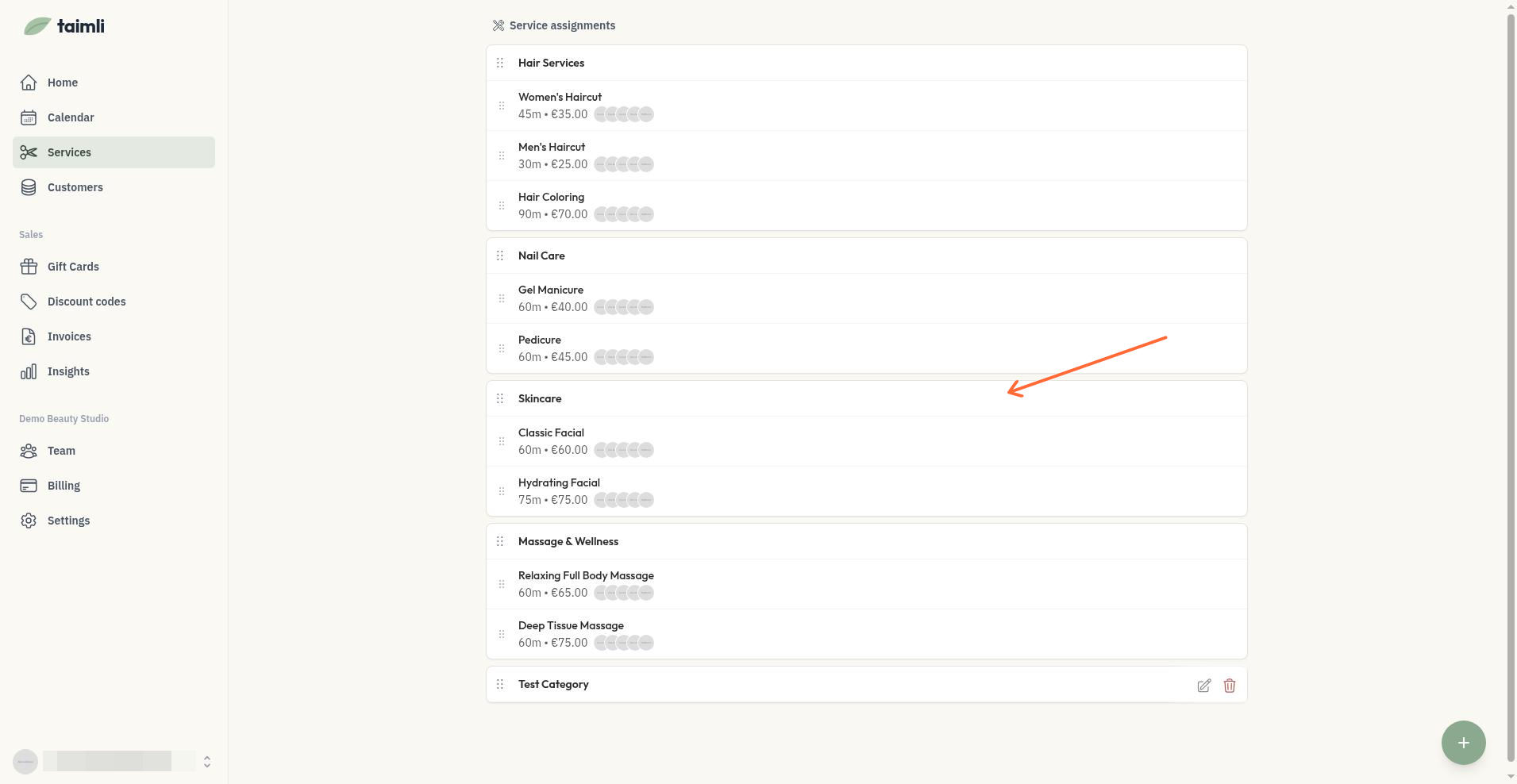
Hover over the category and select Delete category, or choose it from the options menu on mobile, then confirm Delete.
Organize categories by service type or body area to help customers find what they need quickly.