
Adding and Editing Services
Add new services or update existing ones to match what your salon offers.
Adding a New Service
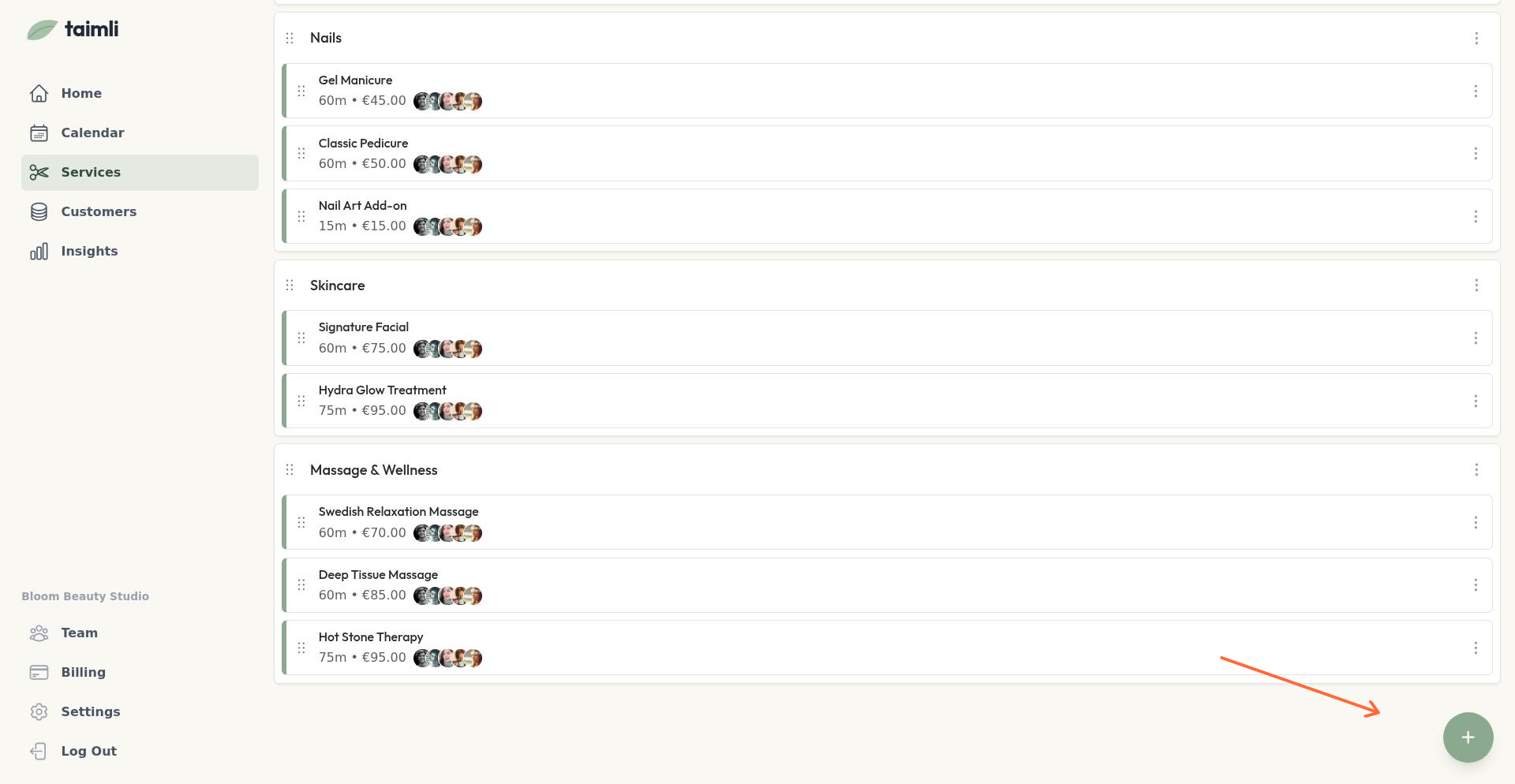
Go to Services from the sidebar
Click the + button in the bottom right corner
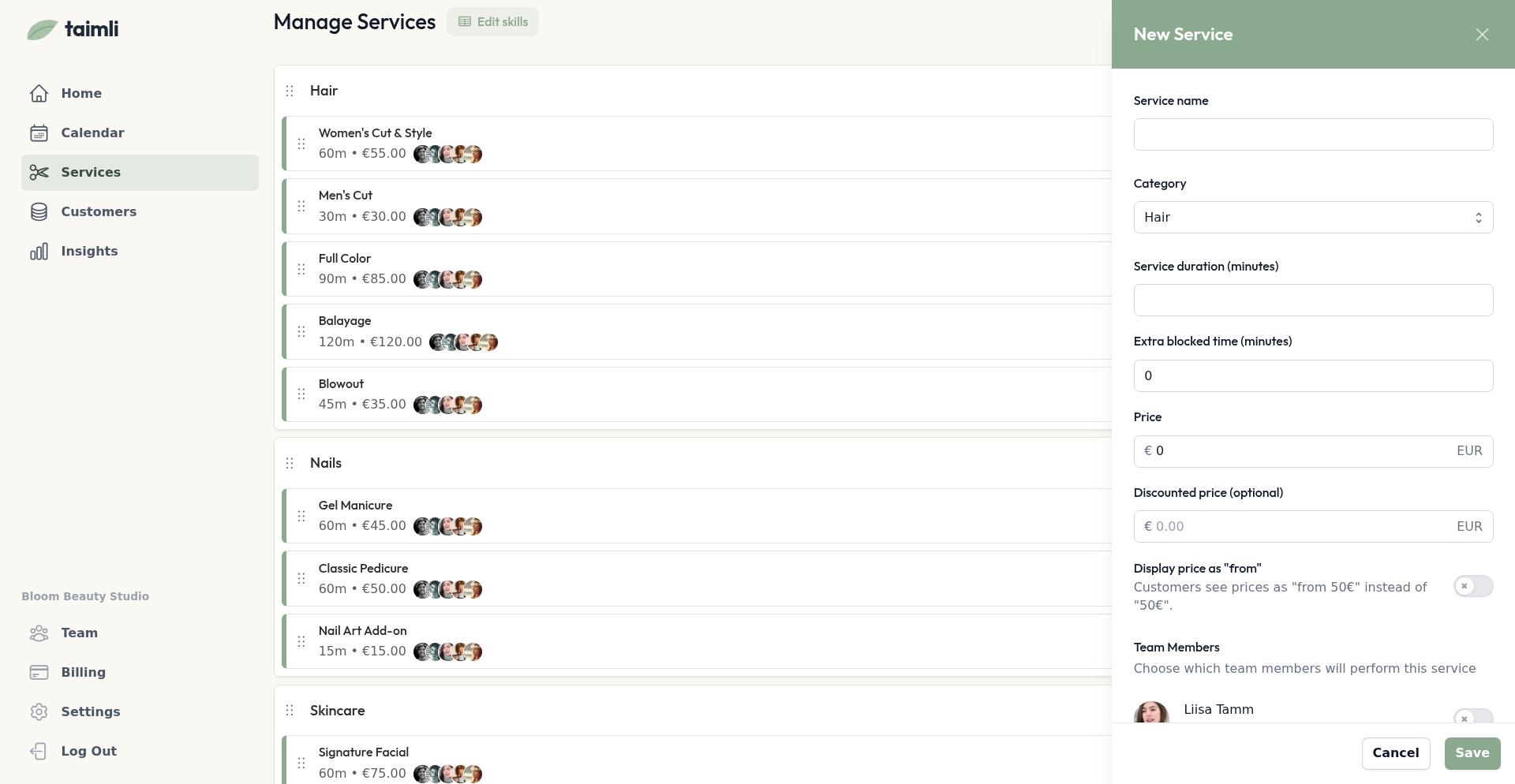
Select New service
Fill in the service details (name, category, duration, price)
Save the service
Editing Service Details
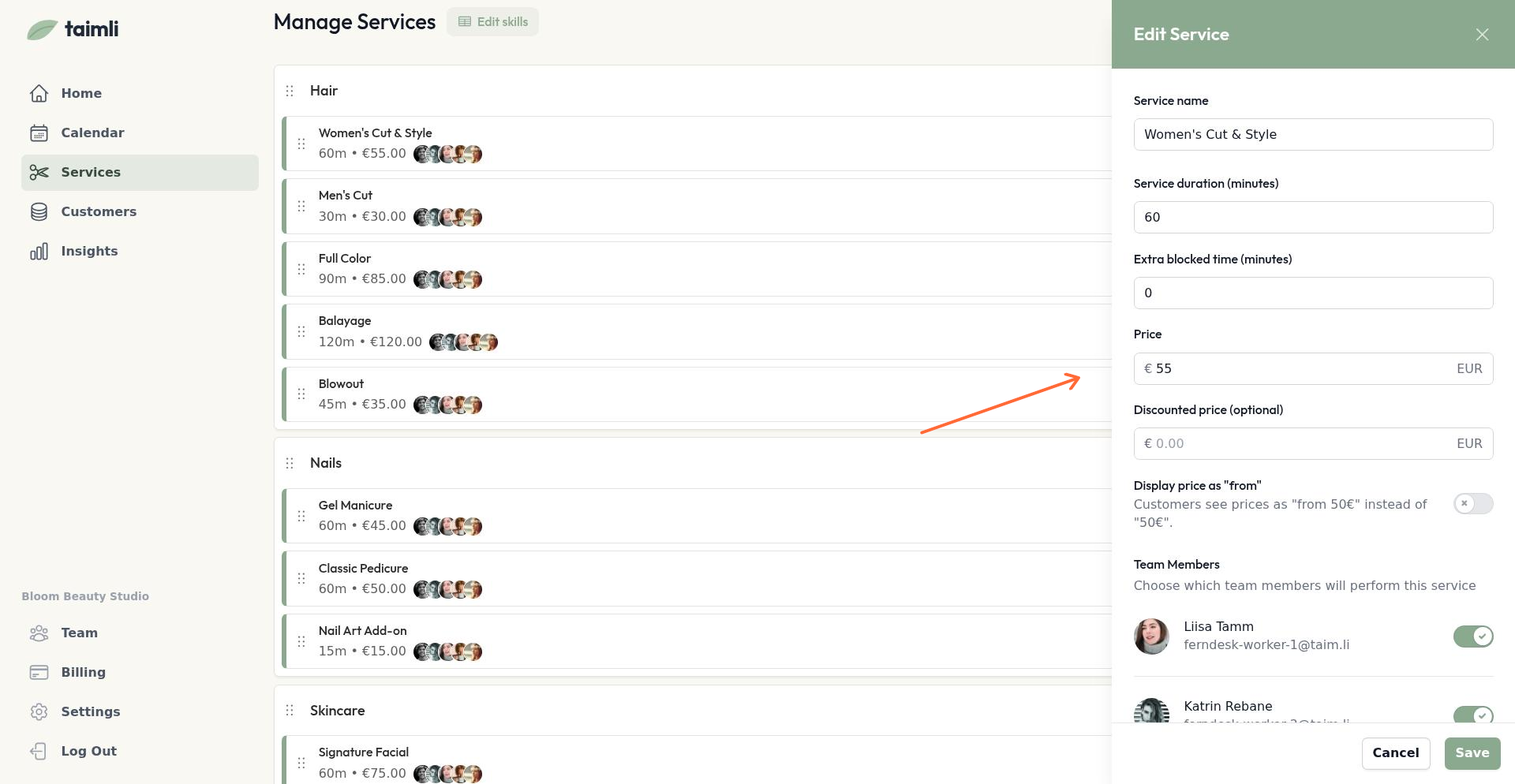
Click any service to edit its details. You can configure:
Name: What customers see on the booking page
Duration: How long the service takes
Price: Standard price shown to customers
Discounted price: Optional. Shows original price with strikethrough and discounted price highlighted
Description: Additional details customers see when selecting the service
Extra blocked time: Minutes to block after the service for cleanup (not shown to customers but blocks your calendar)
Display price as "from": Shows "from €XX" instead of just "€XX" for services with variable pricing
Show in online booking: Controls whether customers see this service on your public booking page. Turn off to hide it from online booking while keeping it available internally. Learn more about hiding services.
Hide duration from customers: Customers will not see how long this service takes when booking online or managing their appointment. It is off by default and does not change the appointment length or your admin calendar.
Limit to specific weekdays: Restricts booking to specific weekdays. Use this for services only available on certain days. Learn more about weekday availability.
Require full online prepayment: Customers who book this service online pay the full booking price at booking, whatever your salon or worker prepayment rules say. The option appears only when online payments are set up. Learn more about prepayment.
Use extra blocked time for cleanup instead of inflating service duration. This keeps your pricing accurate while protecting your schedule.
Hide a service duration from customers
Turn on Hide duration from customers in a service's Online booking settings so customers no longer see how long the service takes, while your team keeps using the real duration for scheduling.
Go to Services from the sidebar.
Open the service for editing.
In the Online booking section, turn on Hide duration from customers.
Save the service.
With the setting on, duration labels are removed from the public service listing and variant details, the Review & confirm step, the booking details page, confirmation and reminder emails that display a duration, and Google Calendar links and downloaded iCalendar events.
Start and end times, service names, descriptions, prices, and the staff name stay visible. The setting does not change the appointment length, your admin calendar, or how staff schedule: your team still sees and uses the real duration.
If an appointment includes any service with hidden duration, the total appointment duration is also hidden from customers, even when other services in the booking do not hide theirs.
Deleting Services
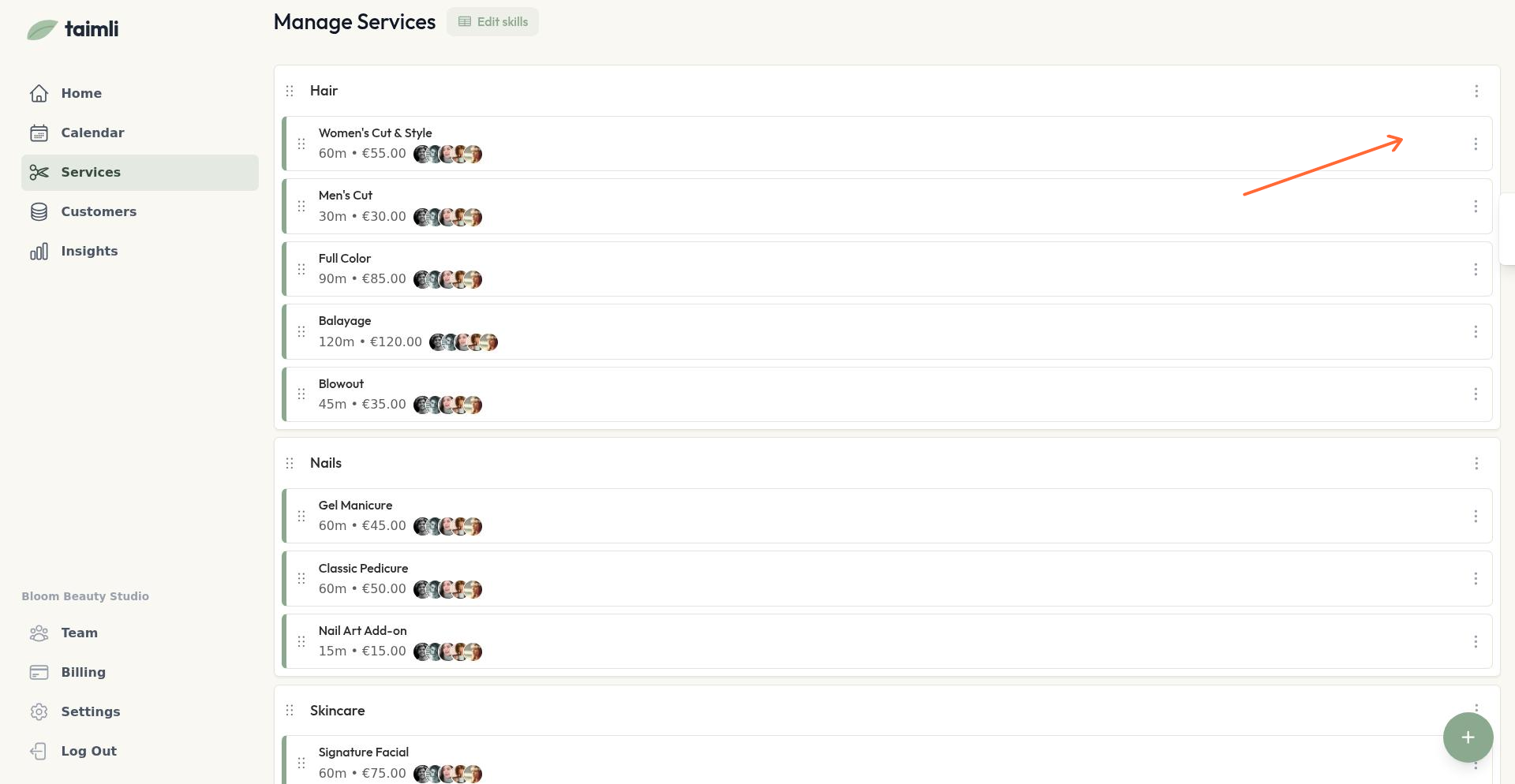
To delete a service, click the three-dot menu next to the service name on the Services page and select Delete service.
Deleting a service doesn't affect existing bookings for that service, but customers can't book it anymore.