
Waitlist for Customers
When customers can't find a suitable appointment time on your booking page, they can join the waitlist to get notified when a new time slot opens up. This guide explains how the waitlist works from the customer's perspective.
How Customers Access the Waitlist
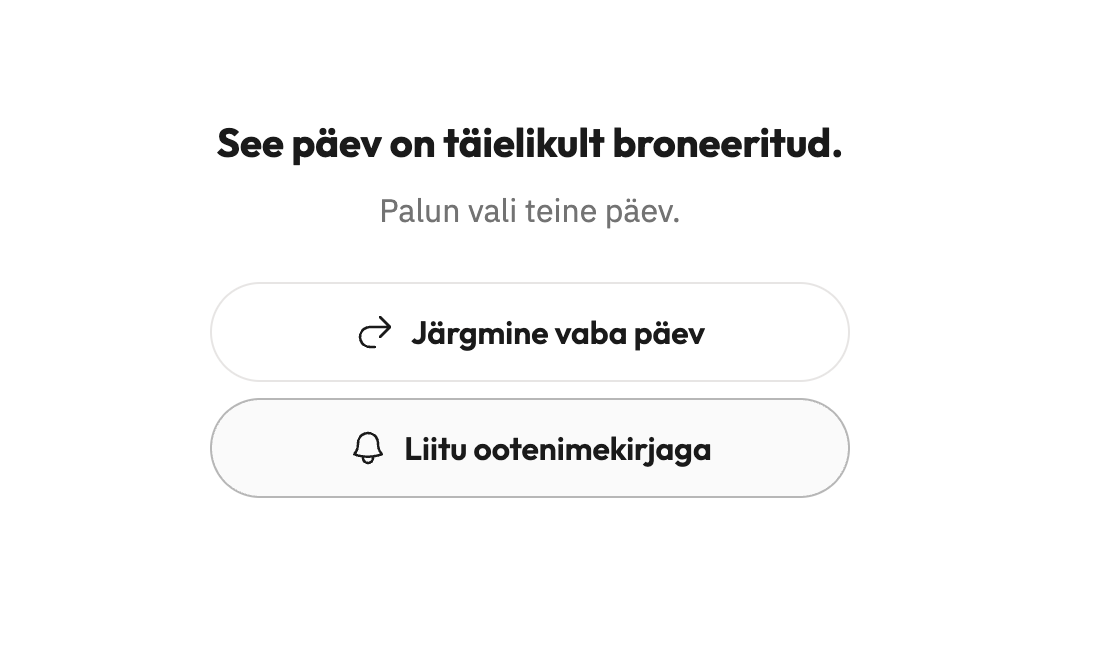
Customers see the waitlist option during the booking flow when selecting a time. The waitlist appears with the prompt:
"Can't find a suitable time? Get notified when a slot opens up"
Clicking this opens the waitlist form.
What Customers Submit
The waitlist form collects:
Name (required)
Email (required)
Availability windows — customers can add multiple days and time ranges when they're free
Adding Availability
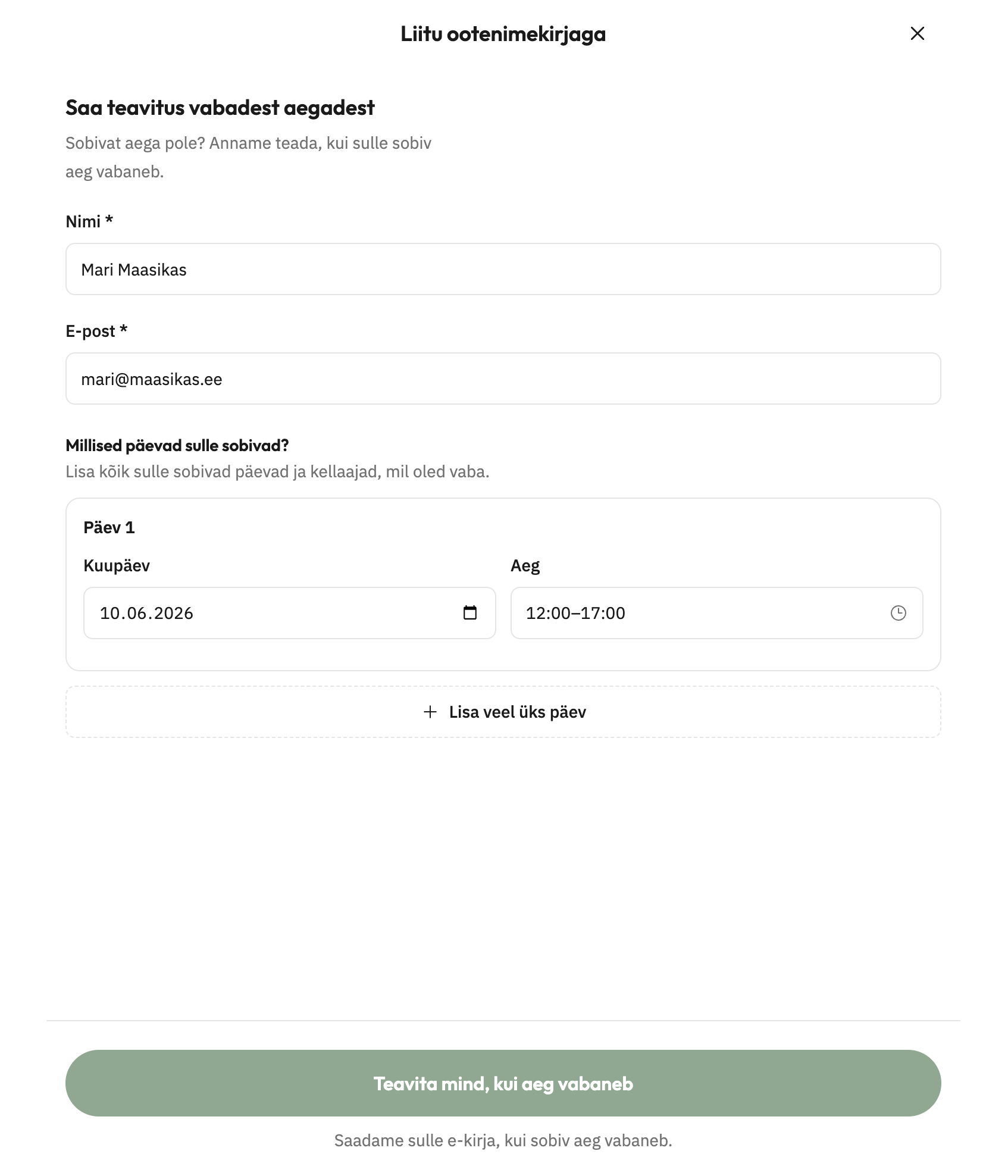
Customers specify when they're available using the day and time selectors:
For each availability window, they choose a date and a time range (from/to)
They can add multiple windows by clicking "Add another day"
Time ranges respect your salon's booking interval (for example, 15 or 30 minute increments)
Quick presets for Morning, Afternoon, and Evening are available
The heading "Which days work for you?" guides customers to add every day that suits them, along with their available times.
What Happens After Submission
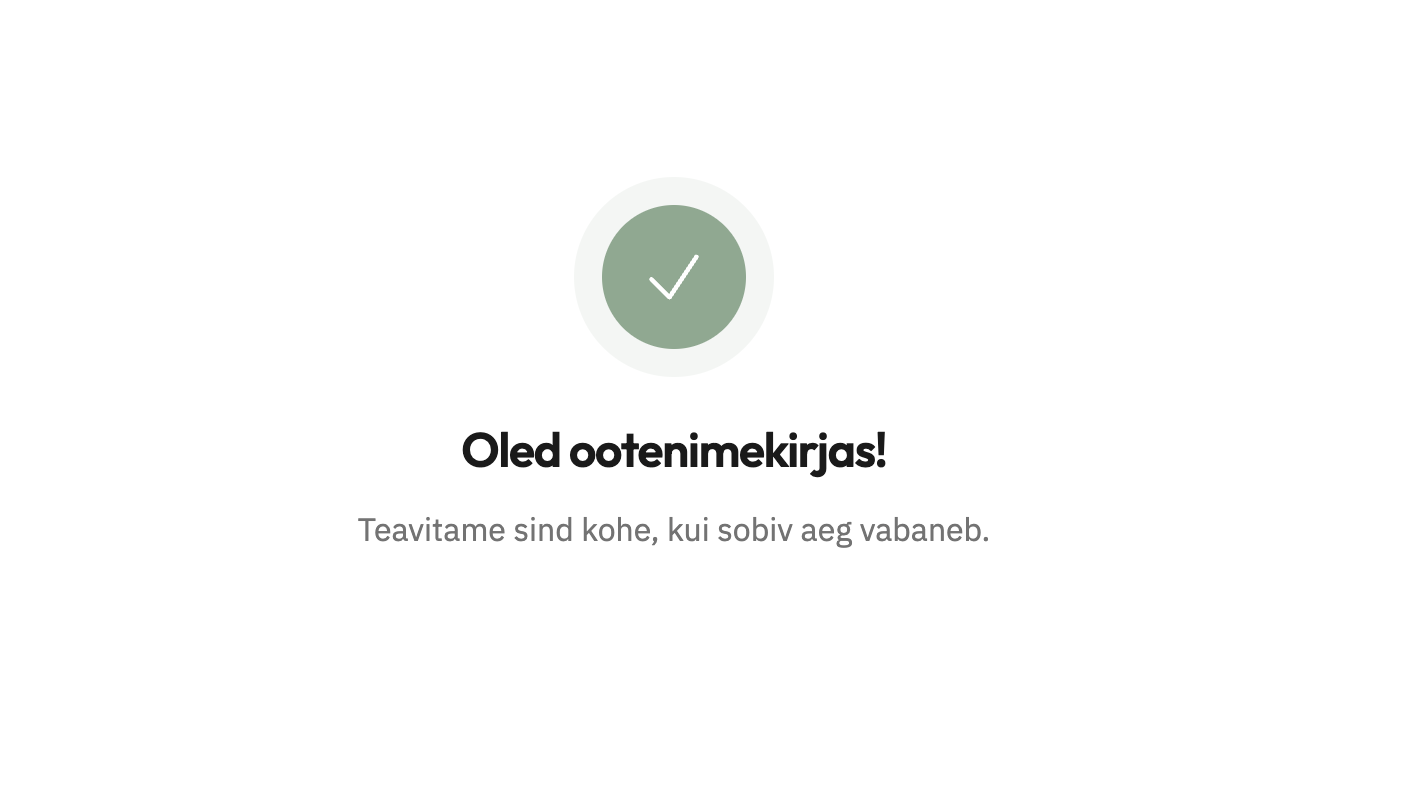
When a customer submits the form by clicking "Notify me when a slot opens up", they see a confirmation:
"You're on the list!"
The message reassures them: "We'll notify you as soon as a matching time slot becomes available."
Taimli automatically scans for new openings that match the customer's requested services, professional, and availability windows. When a compatible slot appears, the customer receives an email notification with a link to complete their booking.
When Customers Are Notified
Customers receive an email only when new time slots open up after they join the waitlist. The system checks for newly available slots that match the customer's requested services, professional, and availability windows.
Key points about notification timing:
No instant email at signup — customers won't receive a notification immediately after joining. Emails are only sent when matching slots become available.
Customers are notified with a delay — when a new opening appears (for example, from a cancellation or added availability), Taimli sends notification emails with a slight delay.
Existing openings aren't notified — if slots were already open when the customer joined, those won't trigger an email. Only newly opened slots after signup generate notifications.
Only future dates — the scan only considers availability windows on today or future dates, so past time ranges are ignored.
The email customers receive has the subject: "New times opened up at [Your Salon Name]" with a button to "View available times" and complete their booking.
What Salon Owners Need to Know
The waitlist works automatically with no setup or configuration required.
No enable/disable toggle — there's no switch to turn the waitlist on or off. It's available to customers during booking whenever time slots are limited.
Automatically fills empty spots — when a booking is canceled or a salon adds new availability, the waitlist scans for matching entries and notifies customers automatically.
Email notifications are always sent — you cannot disable waitlist email notifications. When a matching slot opens, customers receive an email automatically.
You don't need to notify customers manually. Taimli scans for openings and sends the notifications on your behalf. To handle a request, staff open the salon waitlist and can book the customer directly from an active request, or create a matching calendar opening; see Viewing waitlist requests.
Important Notes
Customers must select at least one service before joining the waitlist
The chosen professional must still be able to perform the selected services at the time of notification
All selected services must remain available for online booking
Each customer can only sign up once at a time to avoid duplicate notifications
Customers can only join the waitlist for dates inside your Online booking window, and the waitlist does not notify about slots on dates outside it (see Setting the Online Booking Window)
Error Messages Customers Might See
Validations help prevent issues:
"End time must be after start time" — time range needs correction
"Time must match the salon time interval" — times must align with your salon's booking intervals
"Please choose today or a future date" — past dates aren't accepted
"This date is not open for booking yet" (the date is outside the Online booking window)
"One of the selected services is no longer available for online booking" — service visibility changed
Related Articles
Quickstart — share your booking link with customers
Adding and Editing Services — manage which services appear in online booking
Hiding Services from Online Booking — control service visibility